Income Tax
How can I import my Income Tax spreadsheet to submit my quarterly update?
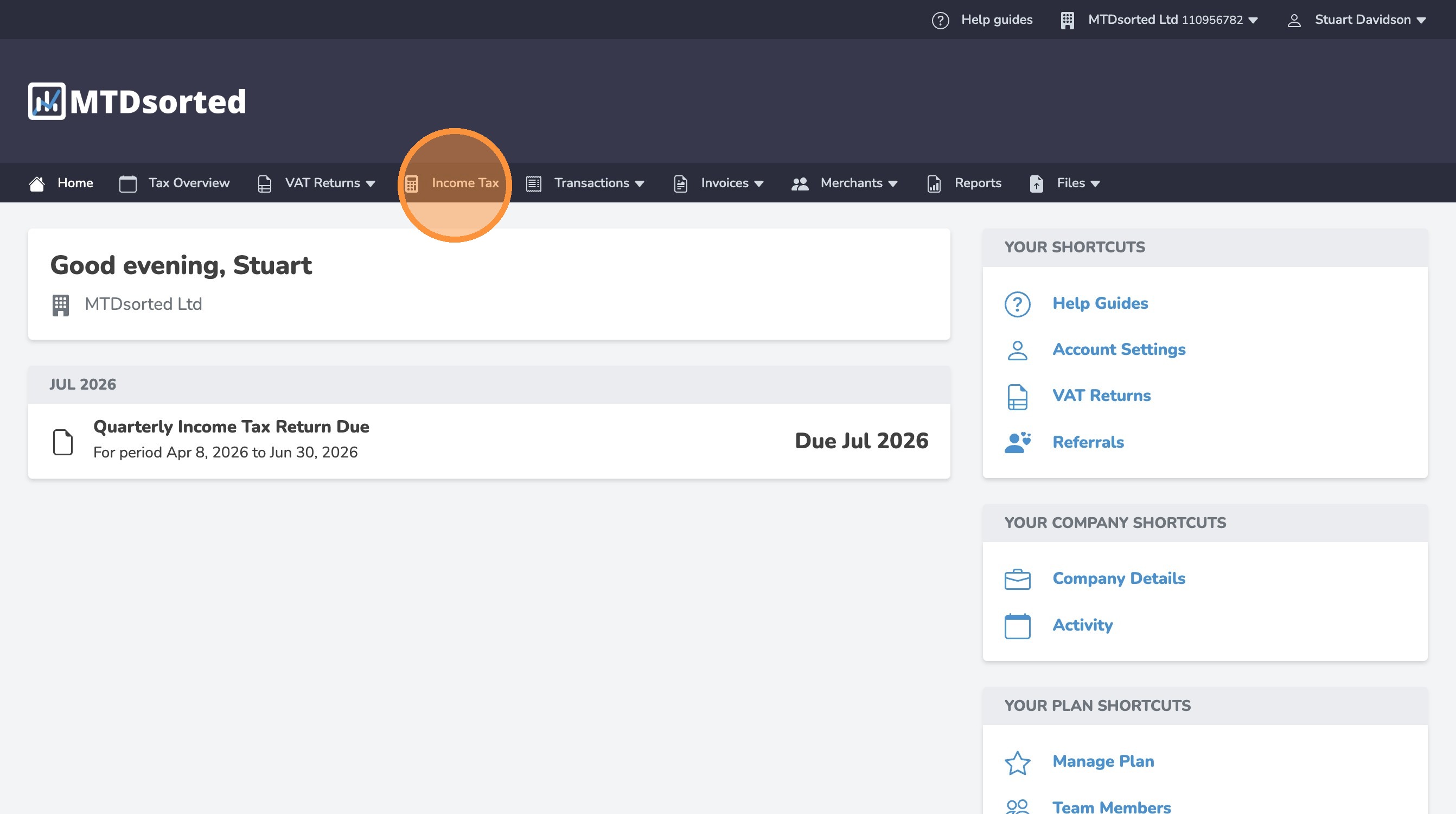
1. Click "Income Tax"
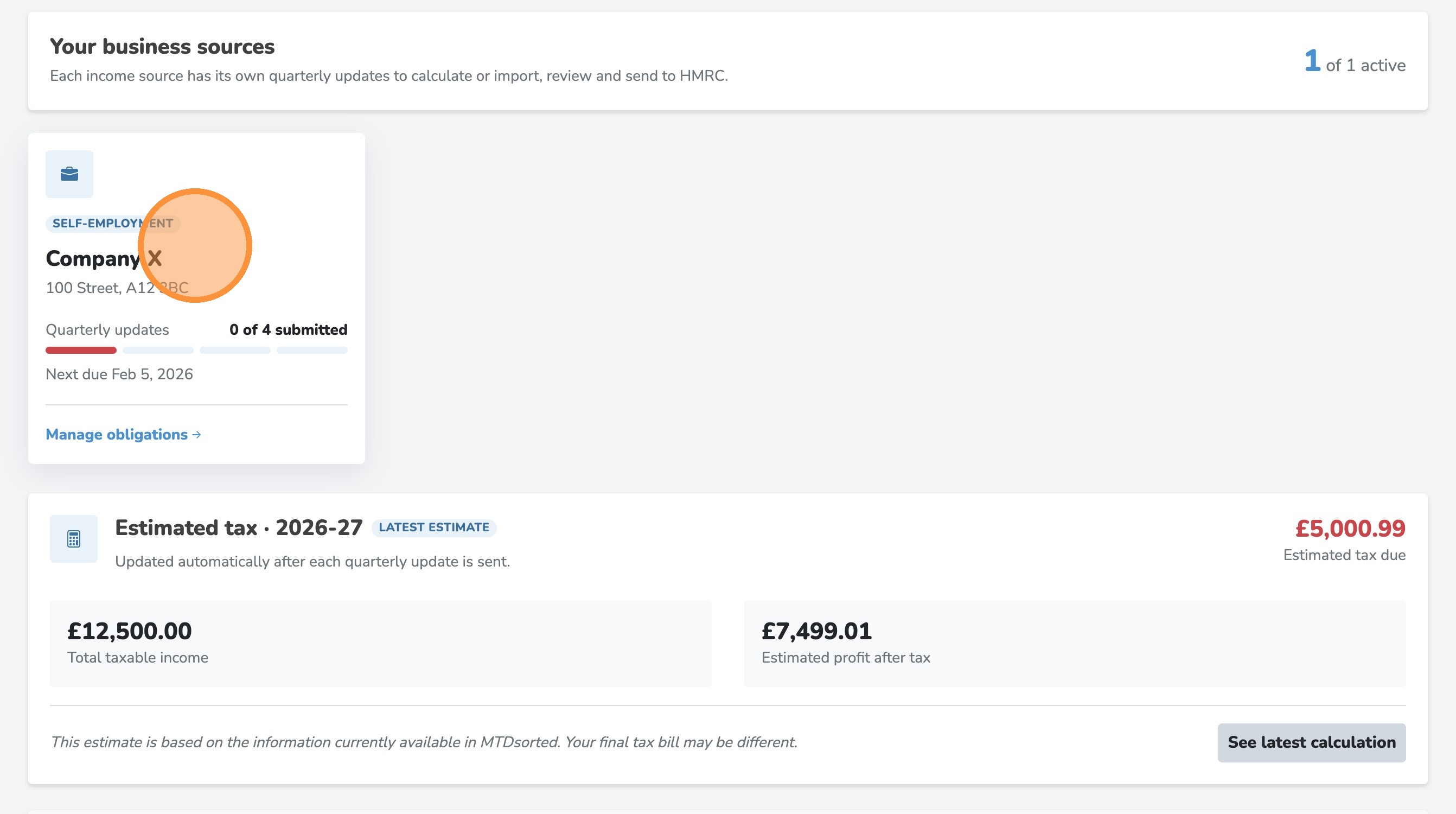
2. Click on your business source
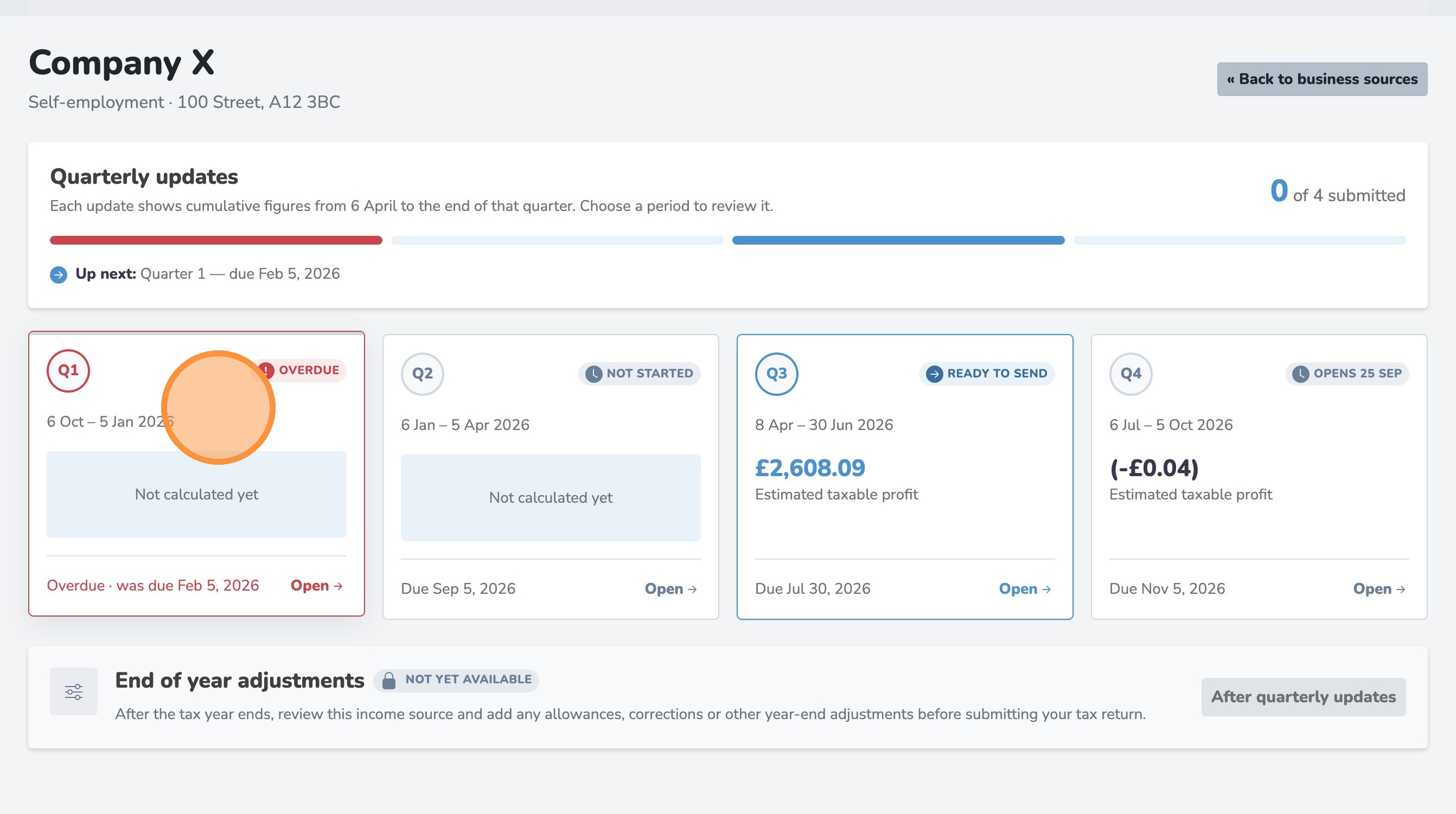
3. Select your quarterly period
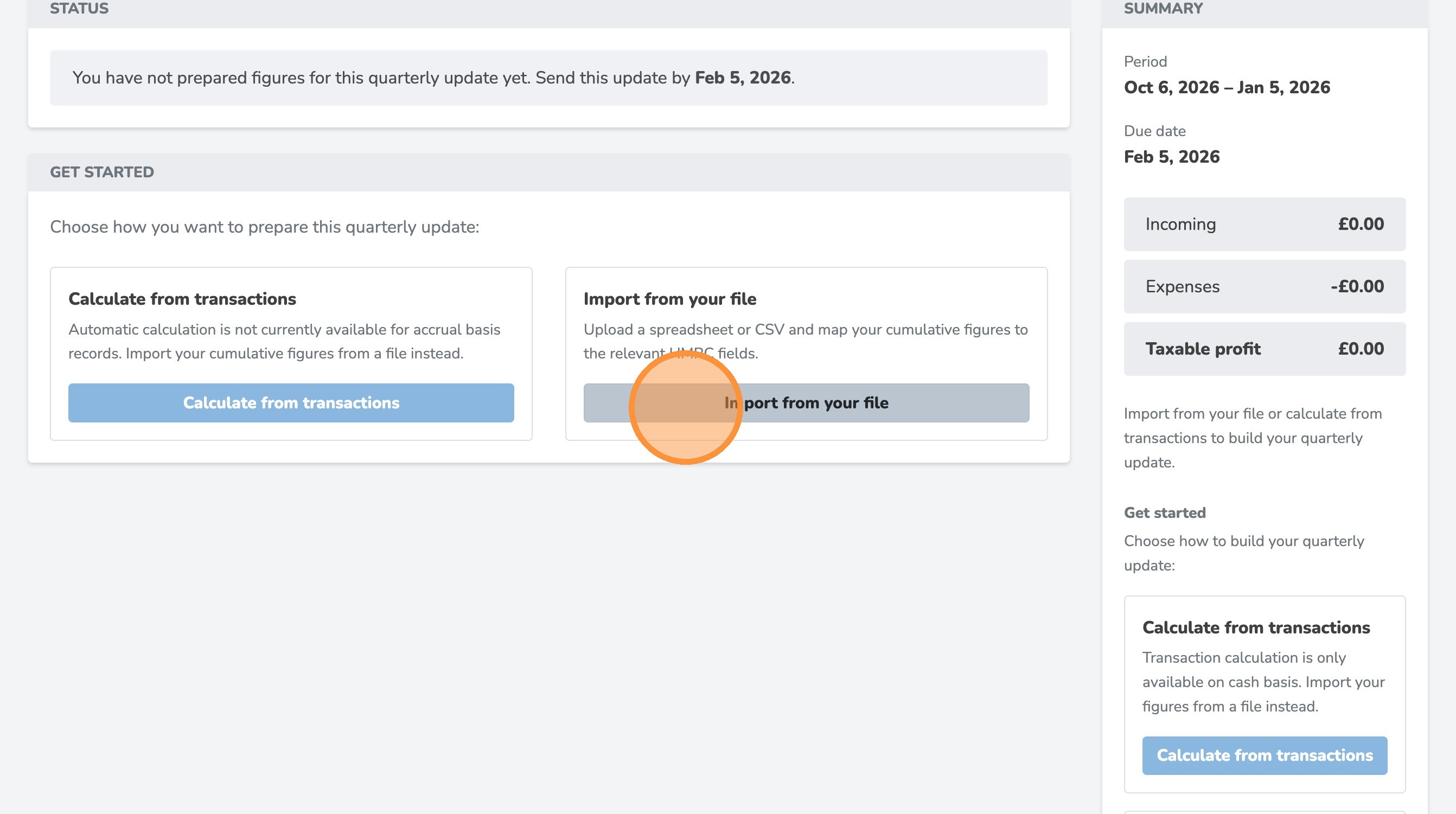
4. Click "Import from your file"
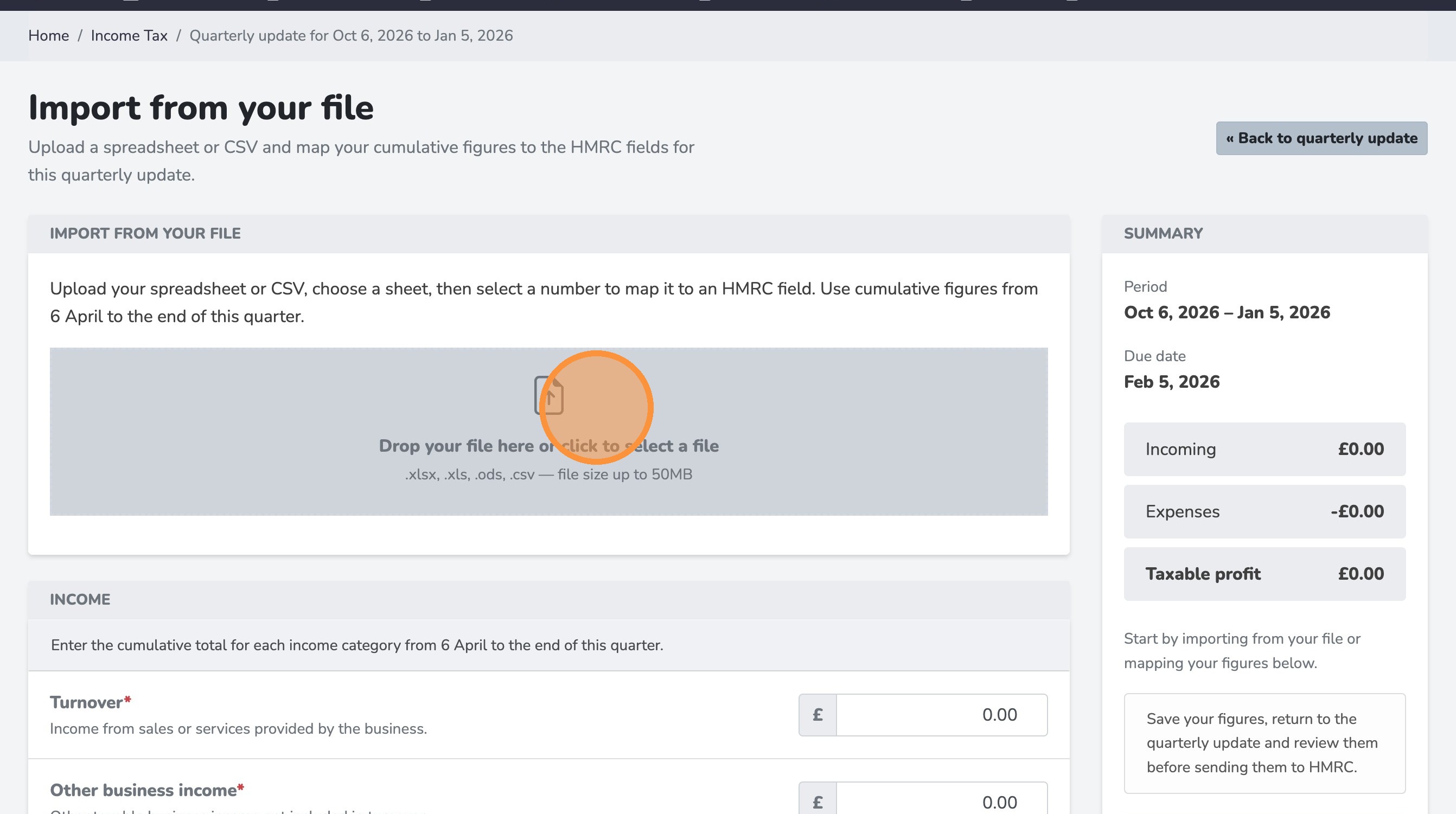
5. Click "Drop your file here or click to select a file .xlsx, .xls, .ods, .csv — file size up to 50MB"
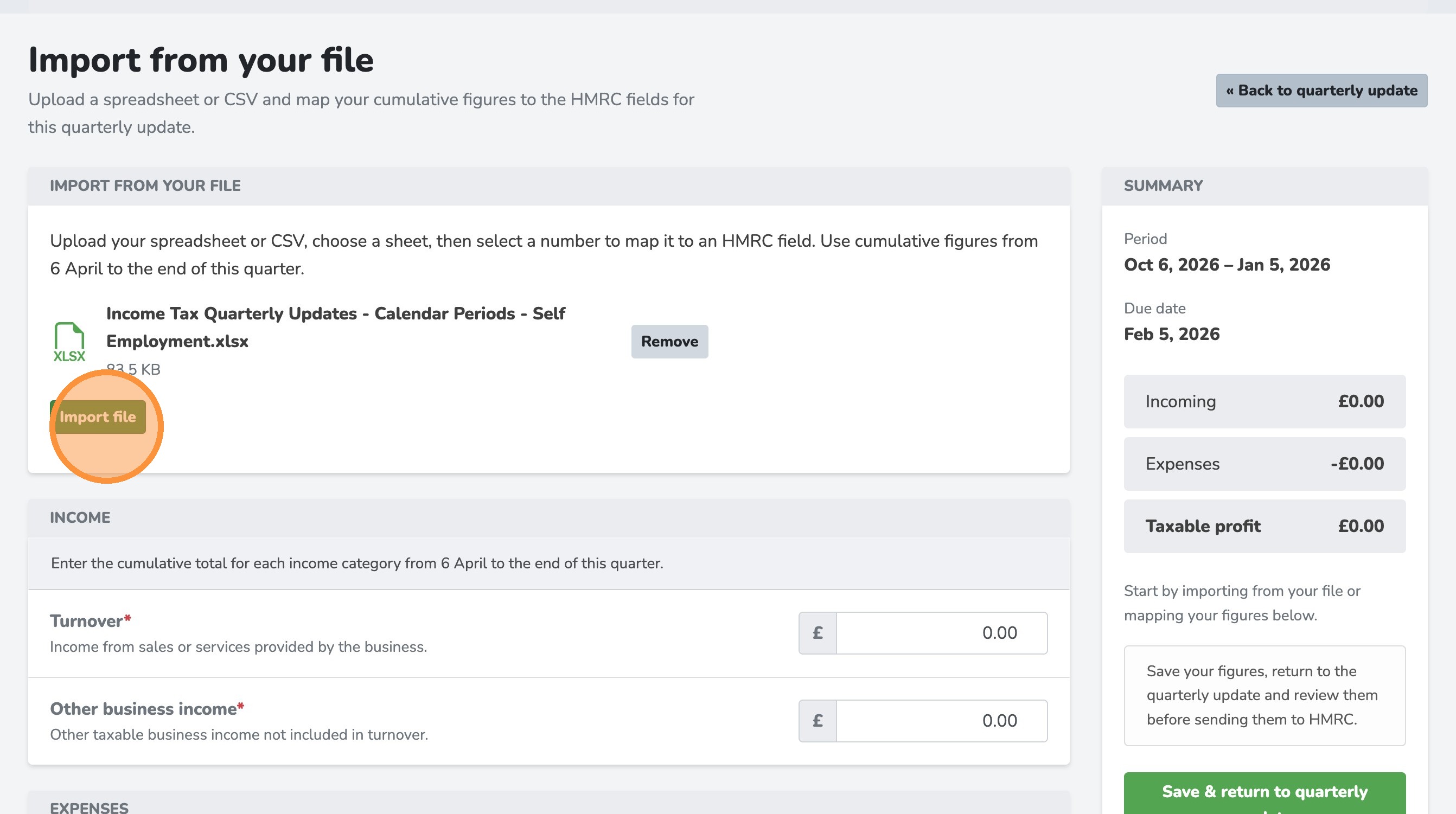
6. Click "Import file"
7. Select the field that you want to import
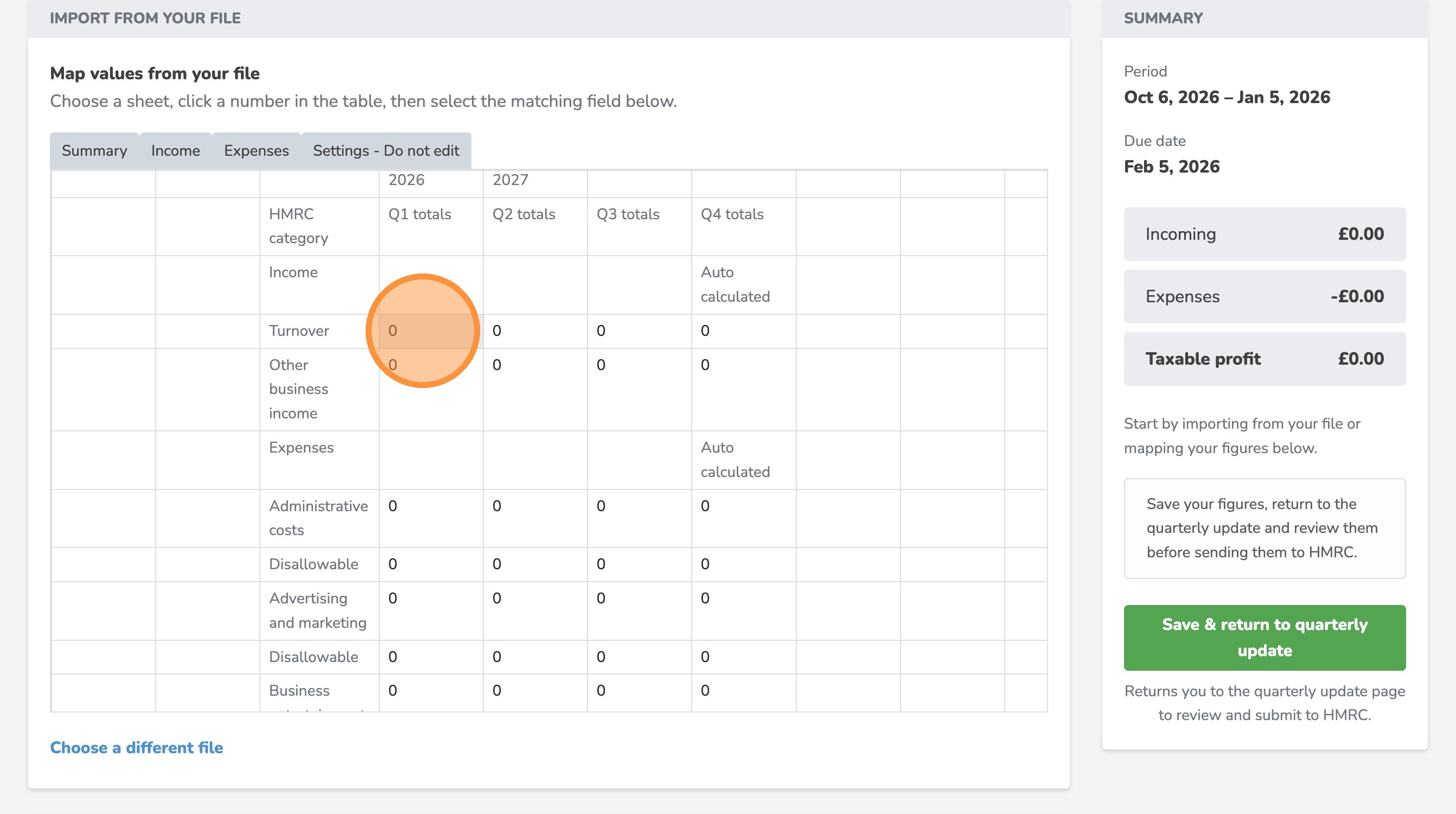
8. Select the category that the imported value matches
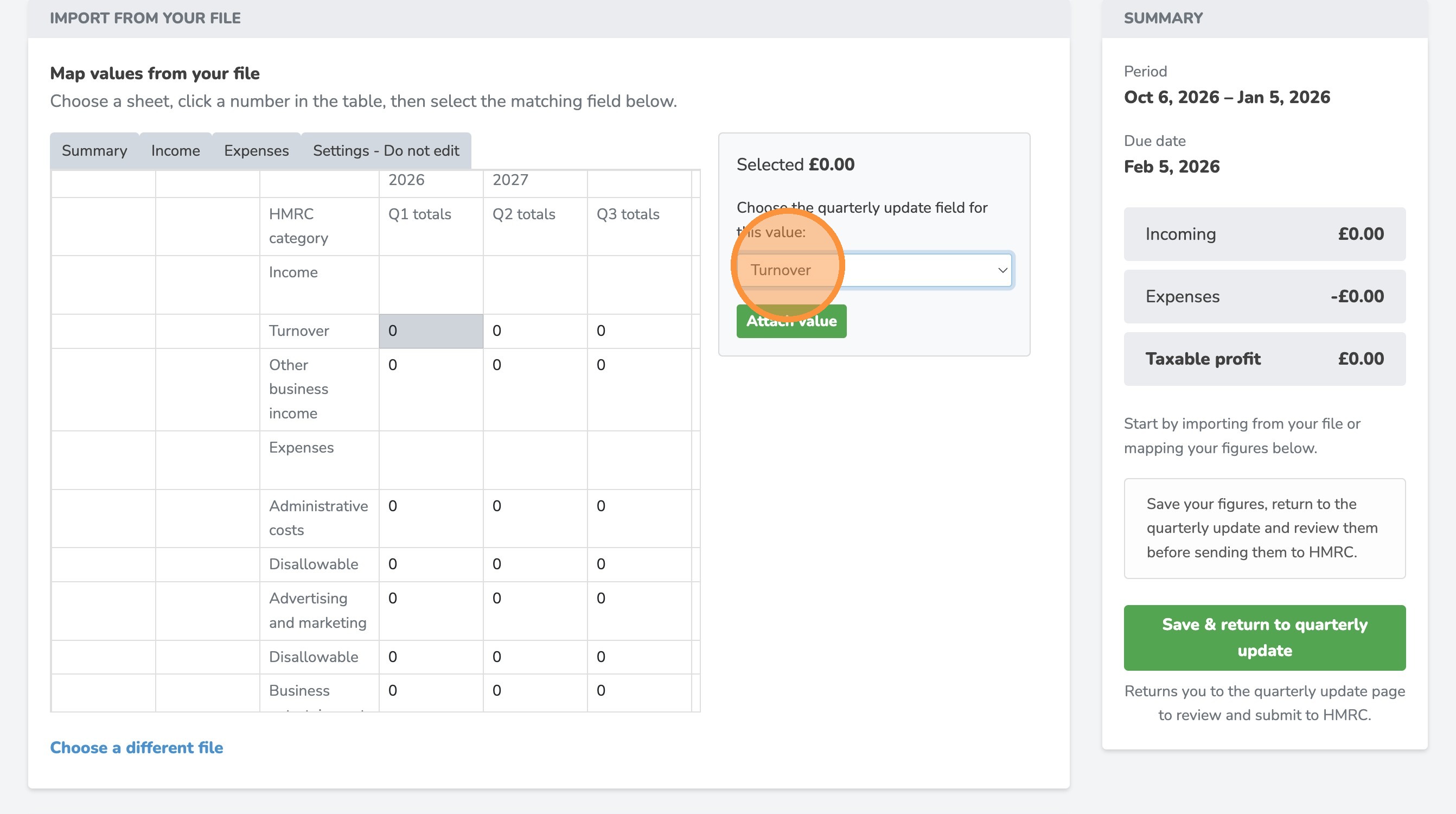
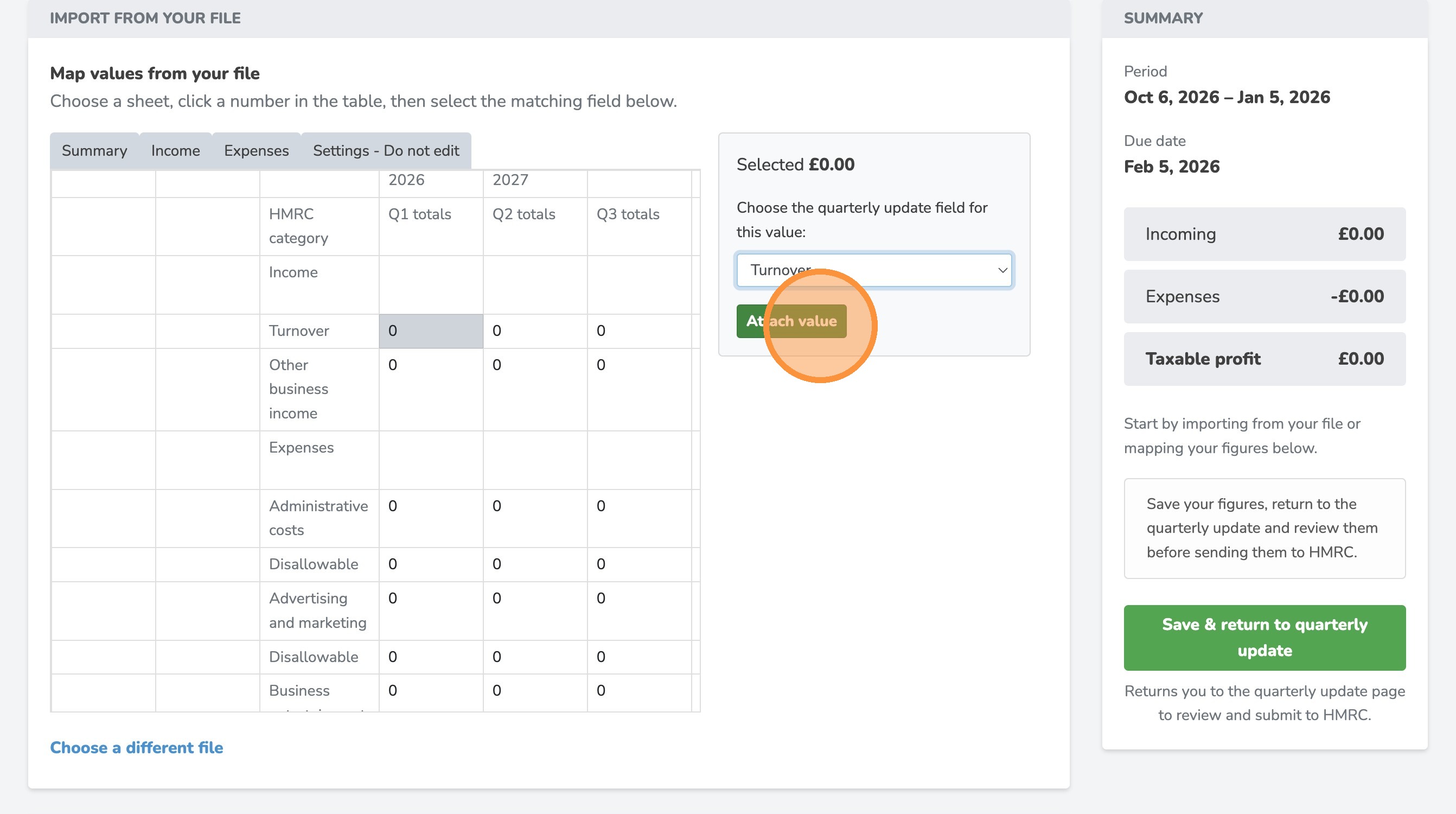
9. Click "Attach value"
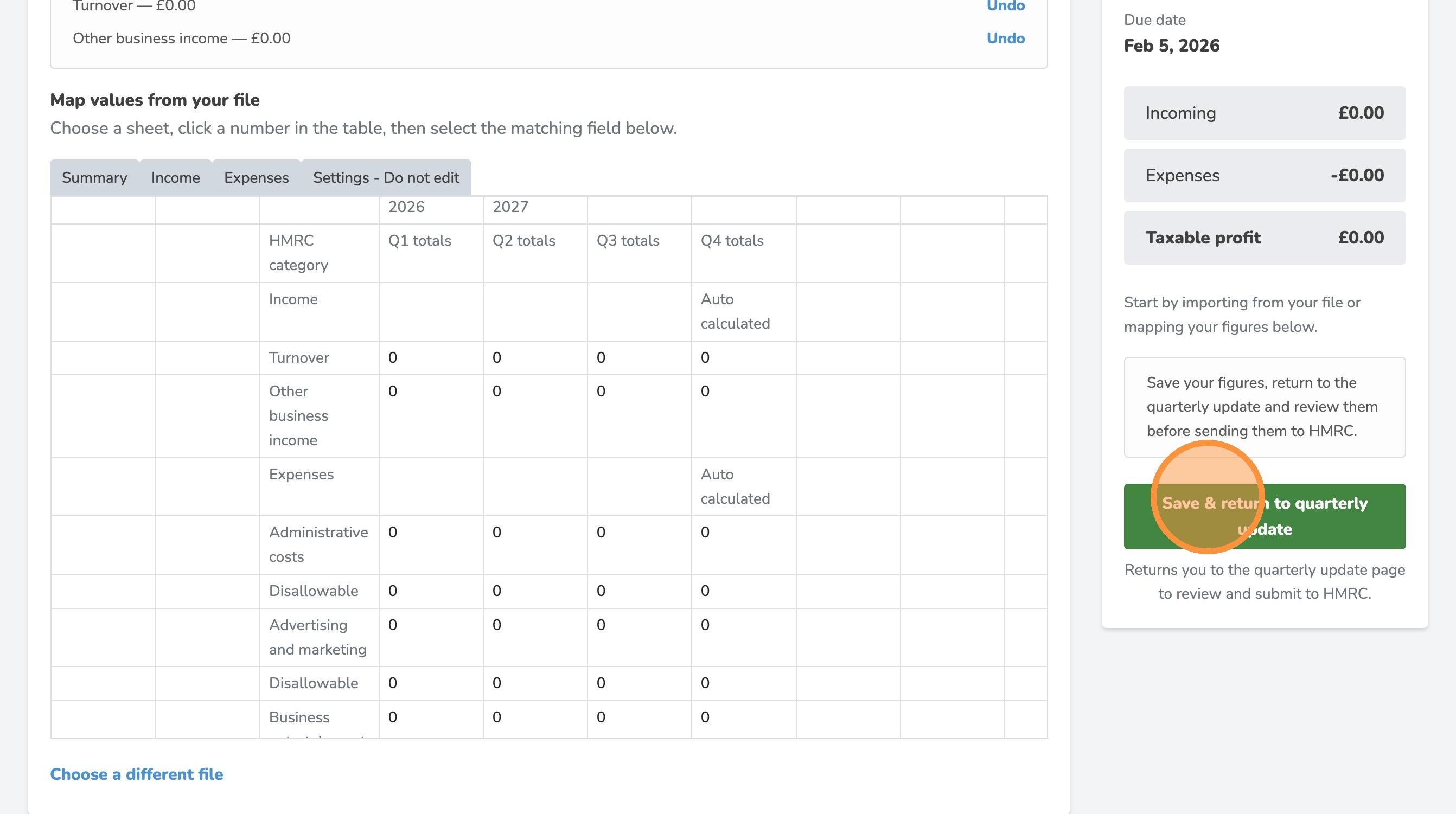
10. Click "Save & return to quarterly update"
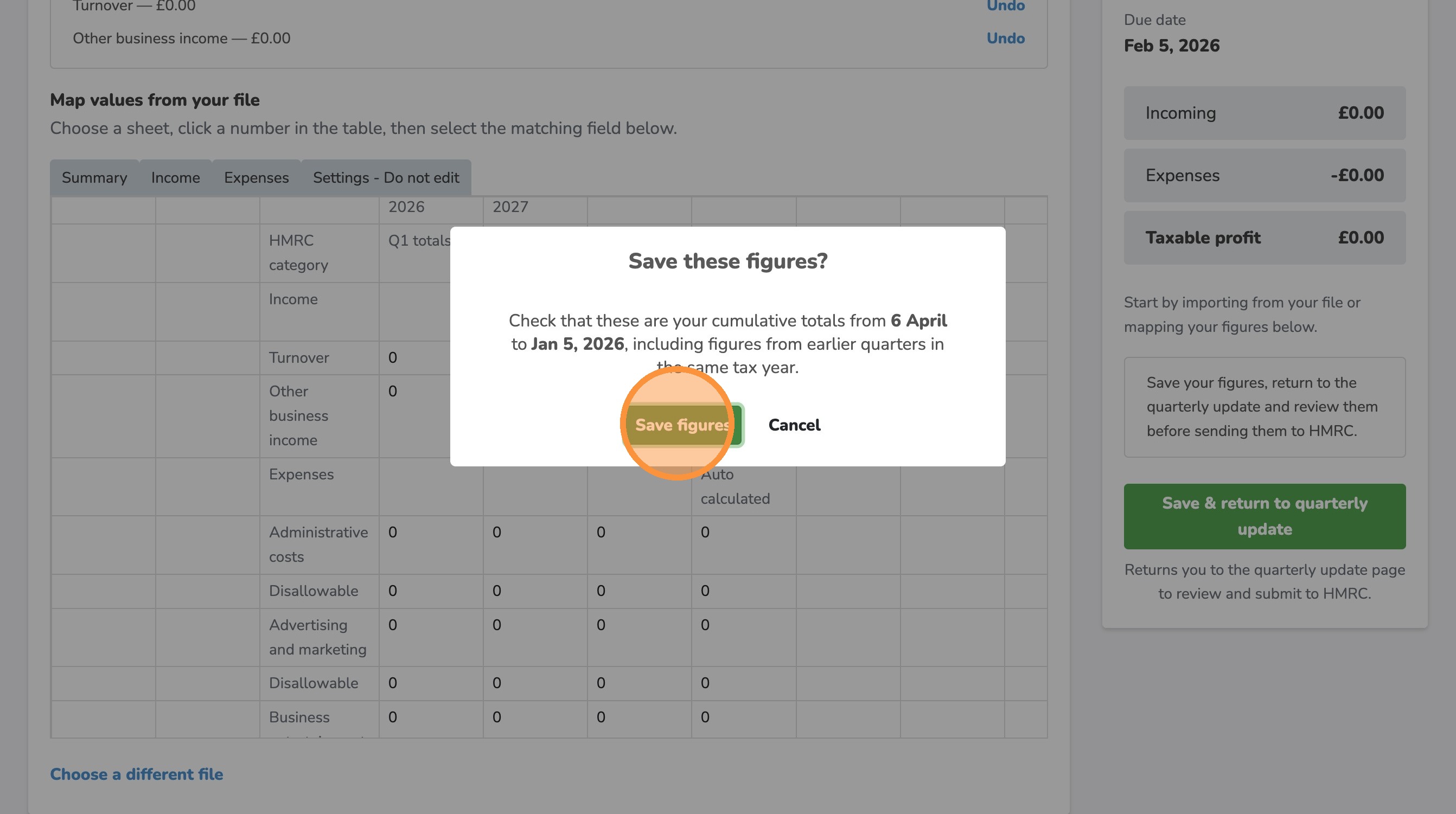
11. Click "Save figures"
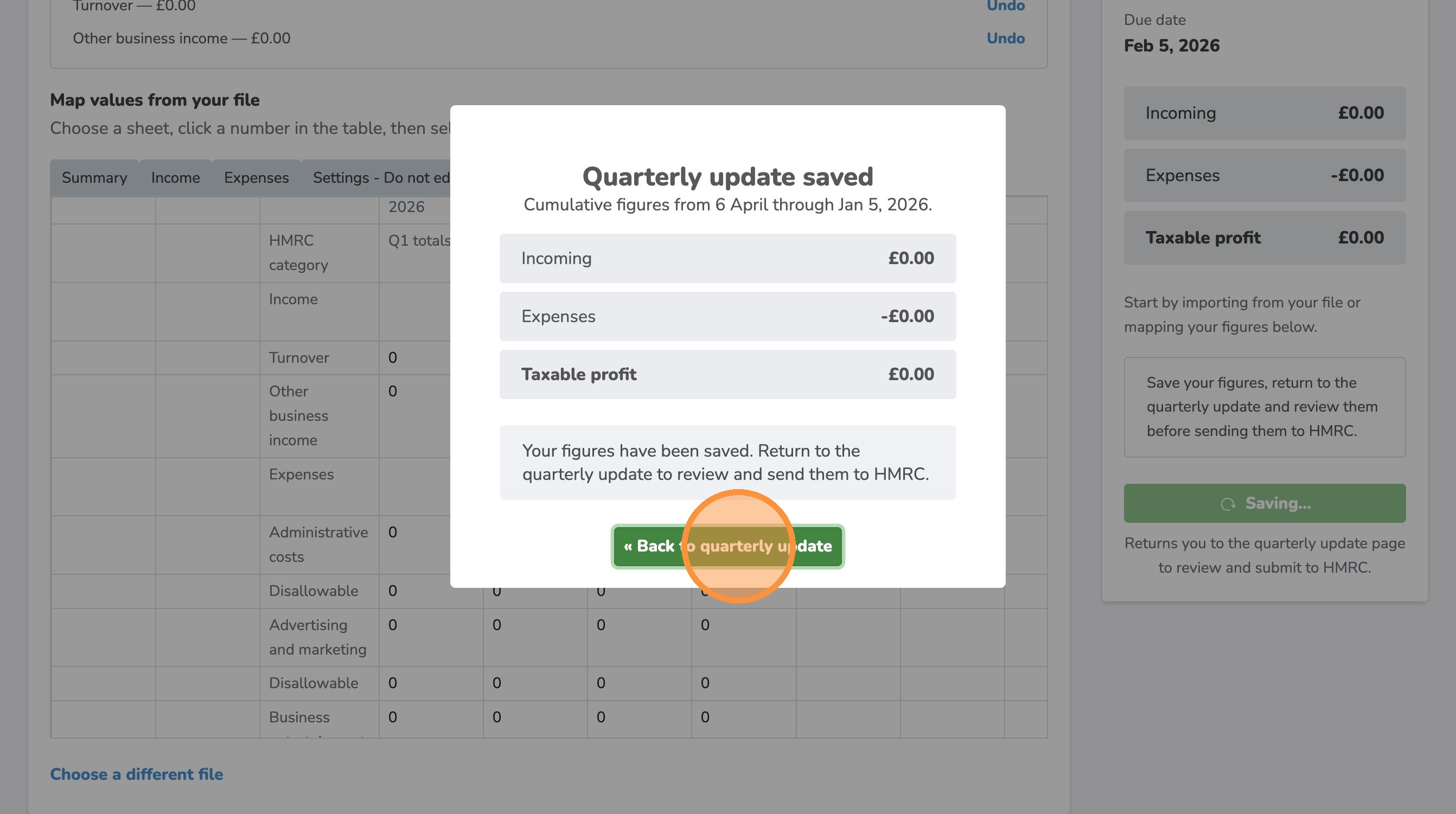
12. Click "« Back to quarterly update"
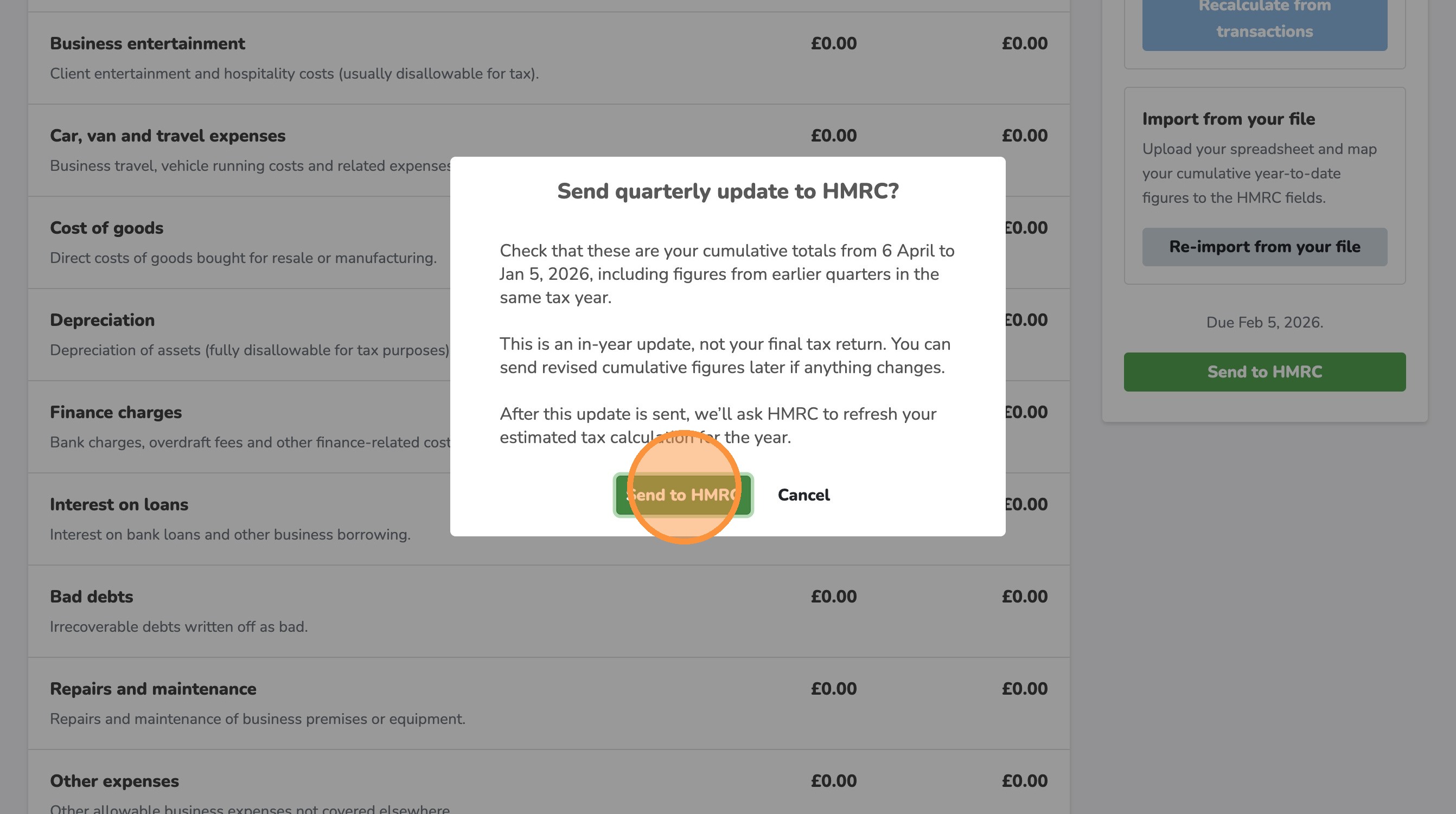
13. Click "Send to HMRC"
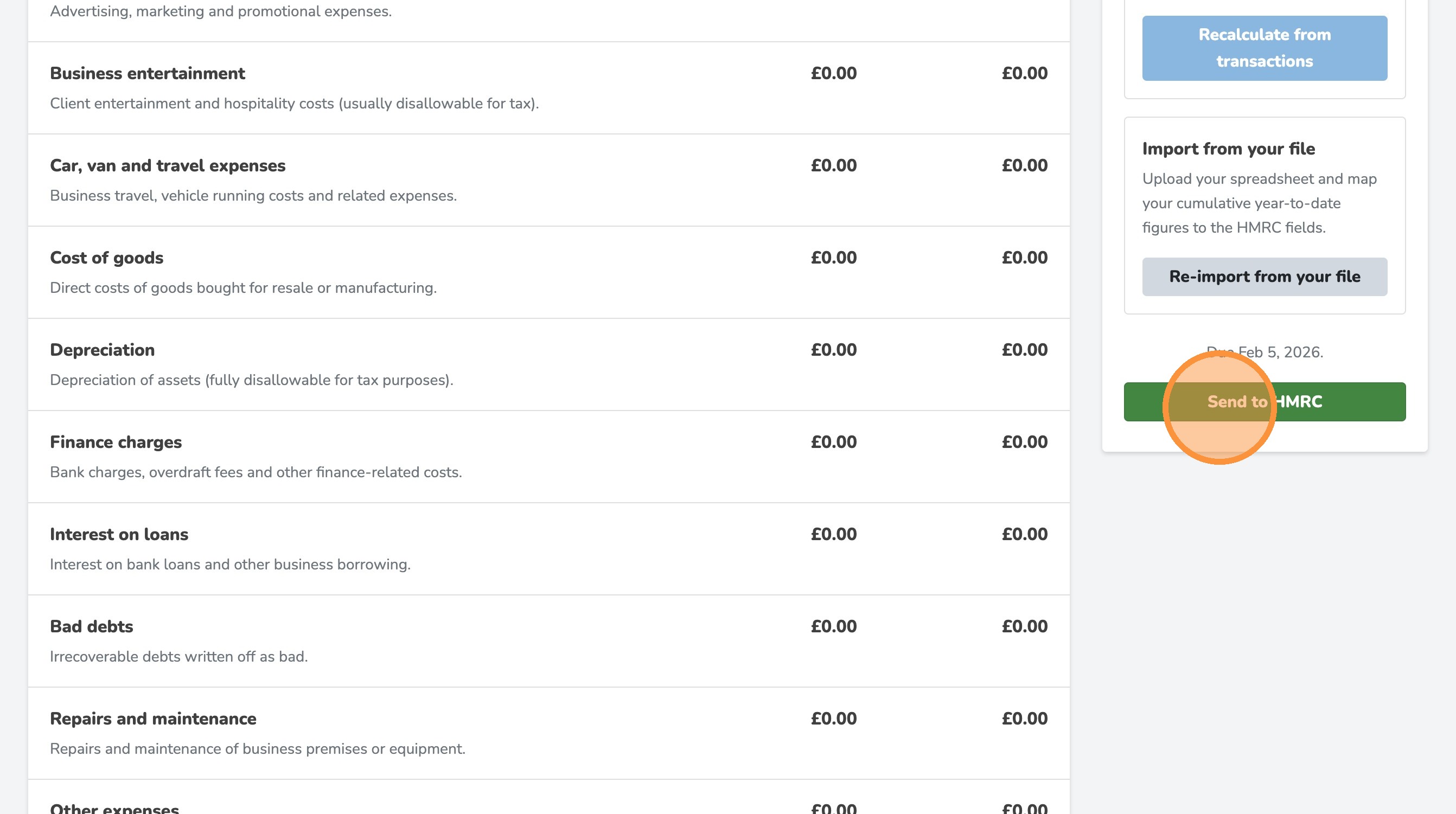
14. Click "Send to HMRC"